For the Netherlands
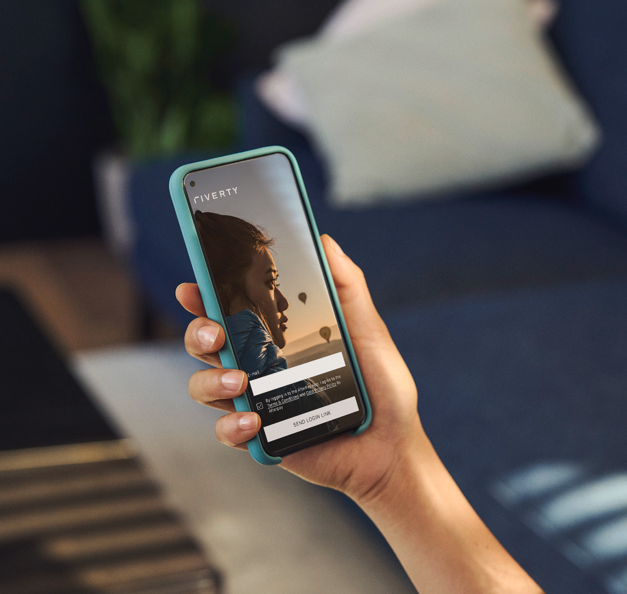
Through the Riverty app and Web app, you can pay easily and quickly with iDEAL or Bancontact.
This is because your payment is linked directly to your invoice. The links below explain how to pay.
How can I pay via the Riverty app? – Riverty Support
Use Riverty, find out more about our products!
 |
Depending on the webshop, it is possible to pay for your order after 14 days or monthly, choose direct debit or pay off on credit. |
- 14 day invoice – Riverty Support
- Monthly invoice – Riverty Support
- Riverty Flex – Riverty Support
- Pay in 3 – Riverty Support
- Direct debit – Riverty Support
At Riverty, you can also pay via bank transfer.
You can transfer payment manually to our account number yourself.
It is important to state the correct details with your payment. This can be found in your invoice, in the Riverty app or the Riverty Web app under the heading ‘payment details’. If you do not do this, we will not be able to link your payment to your invoice.
Want to use Riverty on your computer or tablet? You can do this via the Riverty webapp. The information in this article also applies when you use the Webapp.
For the Netherlands: click on the link to go to the Riverty app or the Riverty Webapp: Riverty app or Riverty Webapp
For Belgium: click on the link to go to the Riverty app or the Riverty Webapp: Riverty app or Riverty Webapp